
What you can find

Search Trustblock by project name to open its page. A project page lists:
  • the audits published for the project, each with the security firm that published it and the date it was conducted;
  • the findings of those audits, with their severity and status;
  • the contracts the audits cover, by chain;
  • recorded incidents, when there are any.
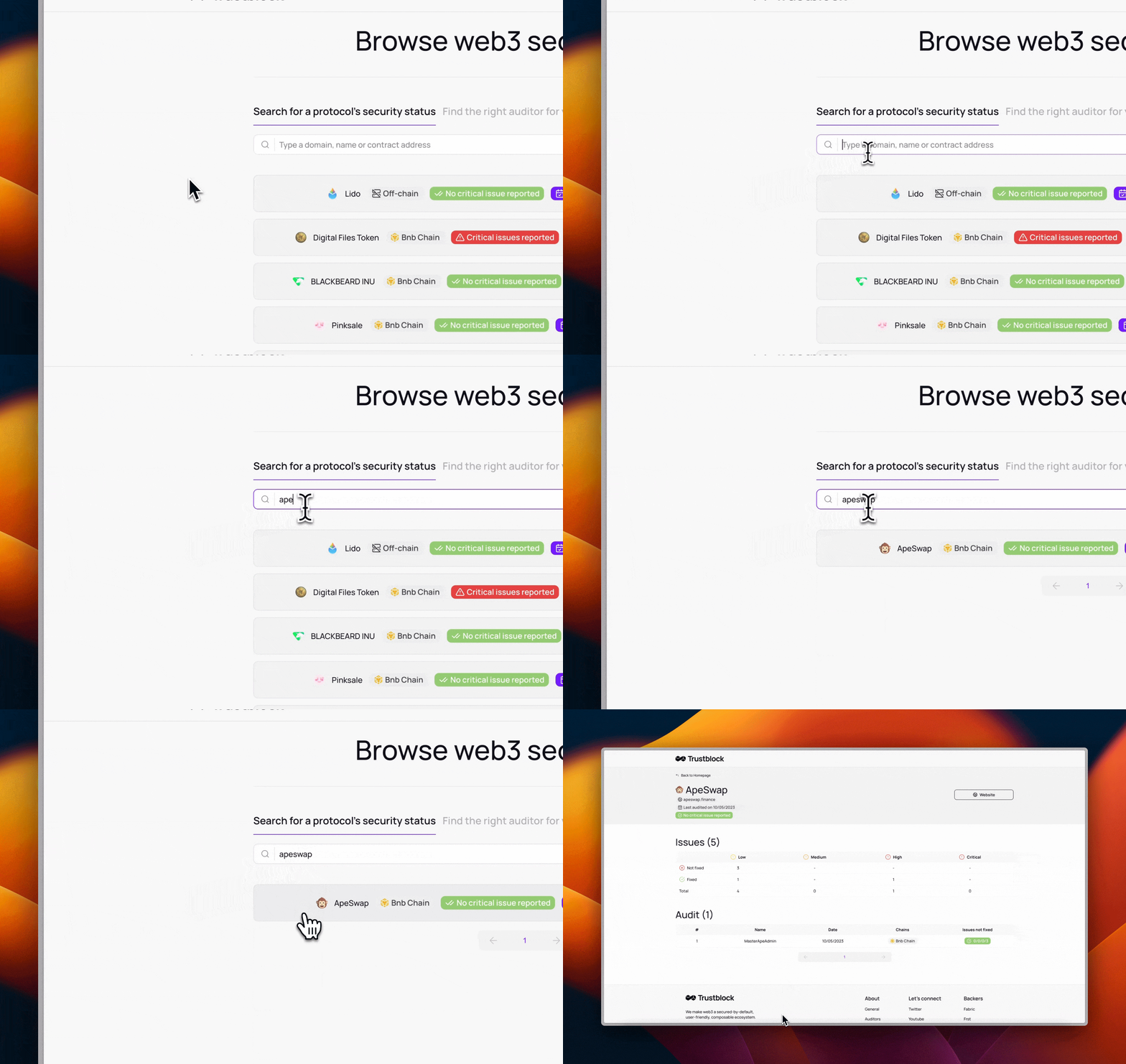
Each audit has its own page and its own identifier. Report files are stored on IPFS: a file’s address (its CID) is derived from its content, so the report you read is the file that was published. Search

Reading finding statuses

When a project has no audit

If Trustblock holds no audit for a project, its page says “Trustblock holds no audit for this project”. This is not a statement about whether the project has been audited elsewhere.